Save and confirm
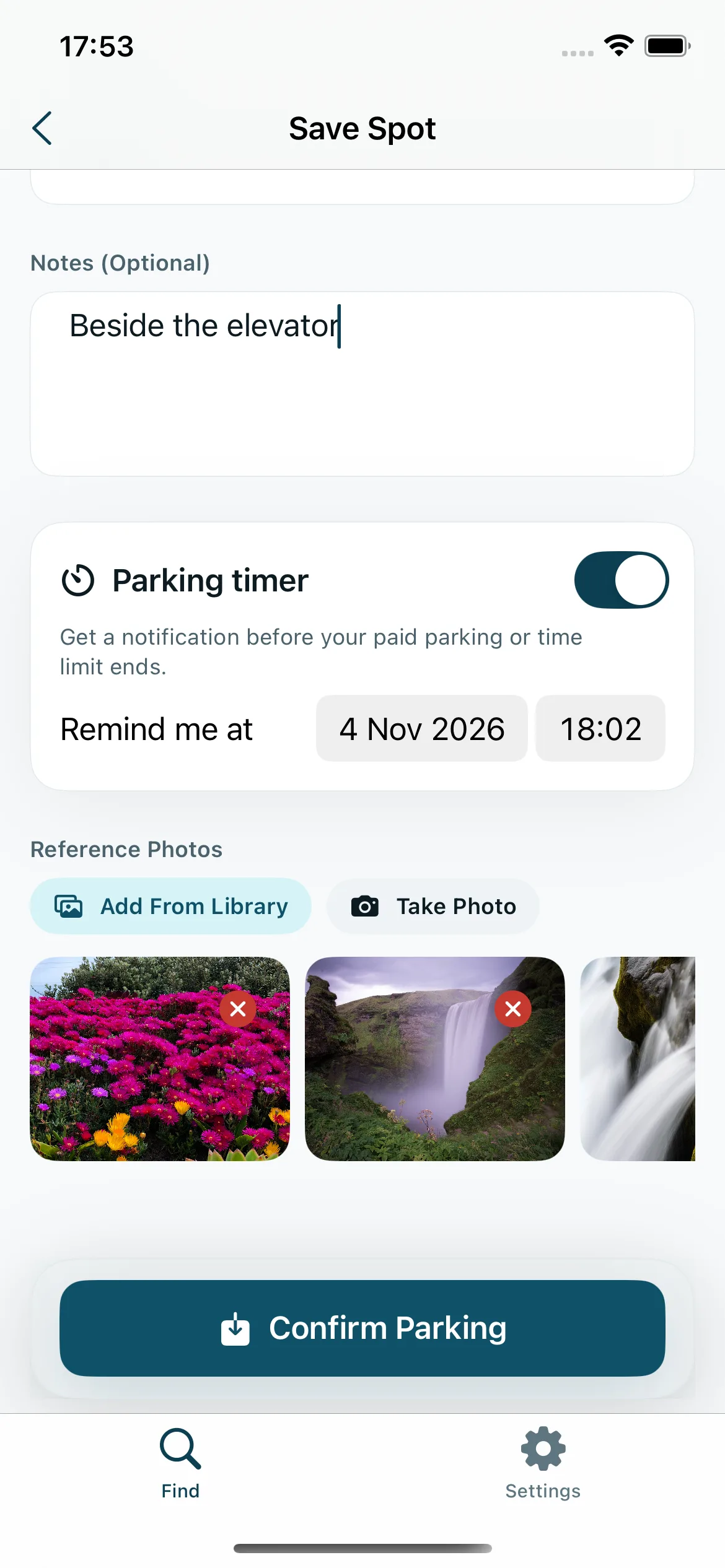
Tap Save My Parking Spot to open the form, then Confirm Parking to save. With permission and an available location fix, the app records a coordinate and its reported accuracy.
 FindMyPark
In development — not yet available on the App Store. Screenshots show development previews.
FindMyPark is deliberately small. Every screen exists to answer one question: where did I leave the car, and how do I get back to it?
Confirming your spot requests your current location when access is allowed. If no fix is available, the app saves your manual details and photos without inventing a map pin.
Tap Save My Parking Spot to open the form, then Confirm Parking to save. With permission and an available location fix, the app records a coordinate and its reported accuracy.
Three quick fields for the things a map pin can never tell you: which floor, which colour-coded zone, which numbered bay.
“Next to the blue lift”, “third row from the exit ramp”. Whatever will actually jog your memory in forty minutes.
Choose Take Photo to request camera access or select existing images with the system picker. Import up to 10 images per selection and add more later, subject to device resources.
FindMyPark would rather tell you the fix is rough than point you confidently at the wrong row. That honesty is the whole design.
A straight-line distance in metres or kilometres updates when location fixes are available. It is not the walking route length and does not identify your garage floor.
Straight-line distance estimates can show getting closer, moving away, or holding steady. Nearby estimates may show an arrival hint, but GPS drift means these are not proof you reached the car.
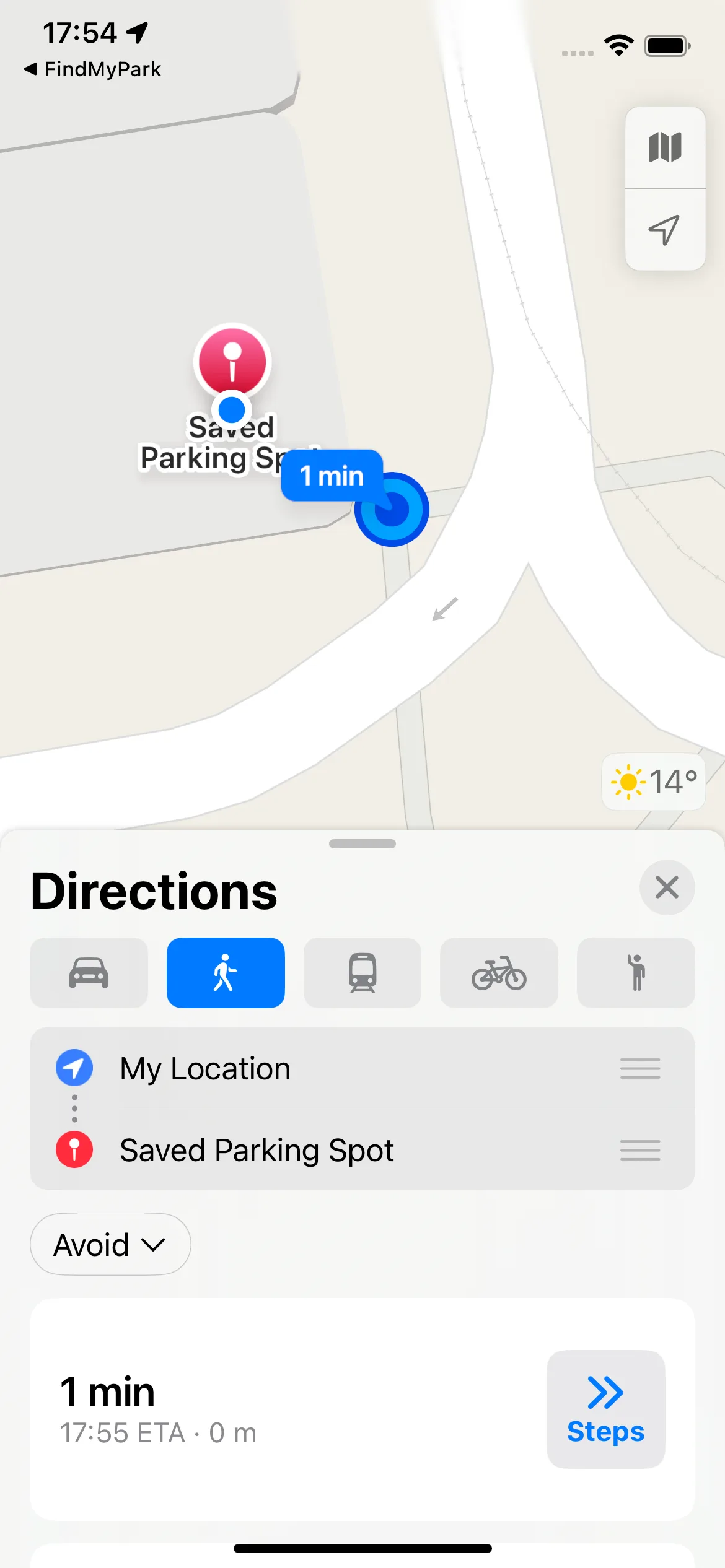
Find My Car opens Apple Maps with walking directions to the saved coordinate. The app does not provide turn-by-turn navigation.
The map shows an accuracy circle when an accuracy estimate is available. Small circles have a minimum display radius; the accompanying text reports the saved estimate or explains unknown accuracy.
Add reference photos and a note while saving, then review them alongside your parking details when you return.
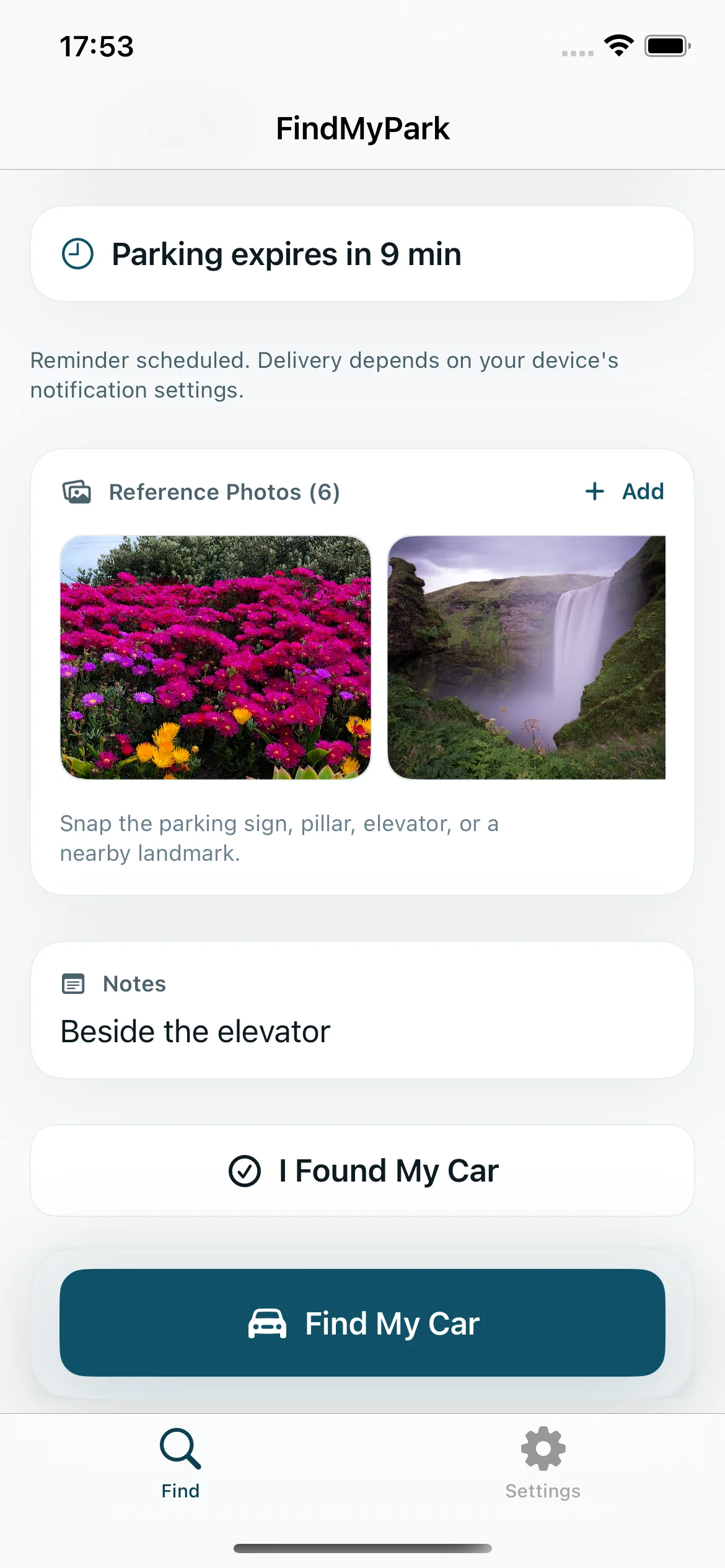
Set the moment your paid parking or time limit expires when you save the spot, or add it later.
Timers over two minutes request an advance warning and an expiry alert; shorter timers request only expiry. Permission and alert settings are required. The app reports scheduling failures, and iOS controls delivery.
Remembered the spot number after you walked away? Update level, section, spot, notes and the reminder whenever you like.
Swipe through reference photos full screen and confirm before deleting. If storage removal fails, the app reports the problem so you can retry.
Confirm that you found the car to clear the active session. If local removal fails, the app reports the issue instead of showing a success state.
Built with Apple's native frameworks, including SwiftUI, MapKit and Core Location, with light and dark appearances.
The first release is in development. Preview the current feature set and its location, reminder, and connectivity limits.